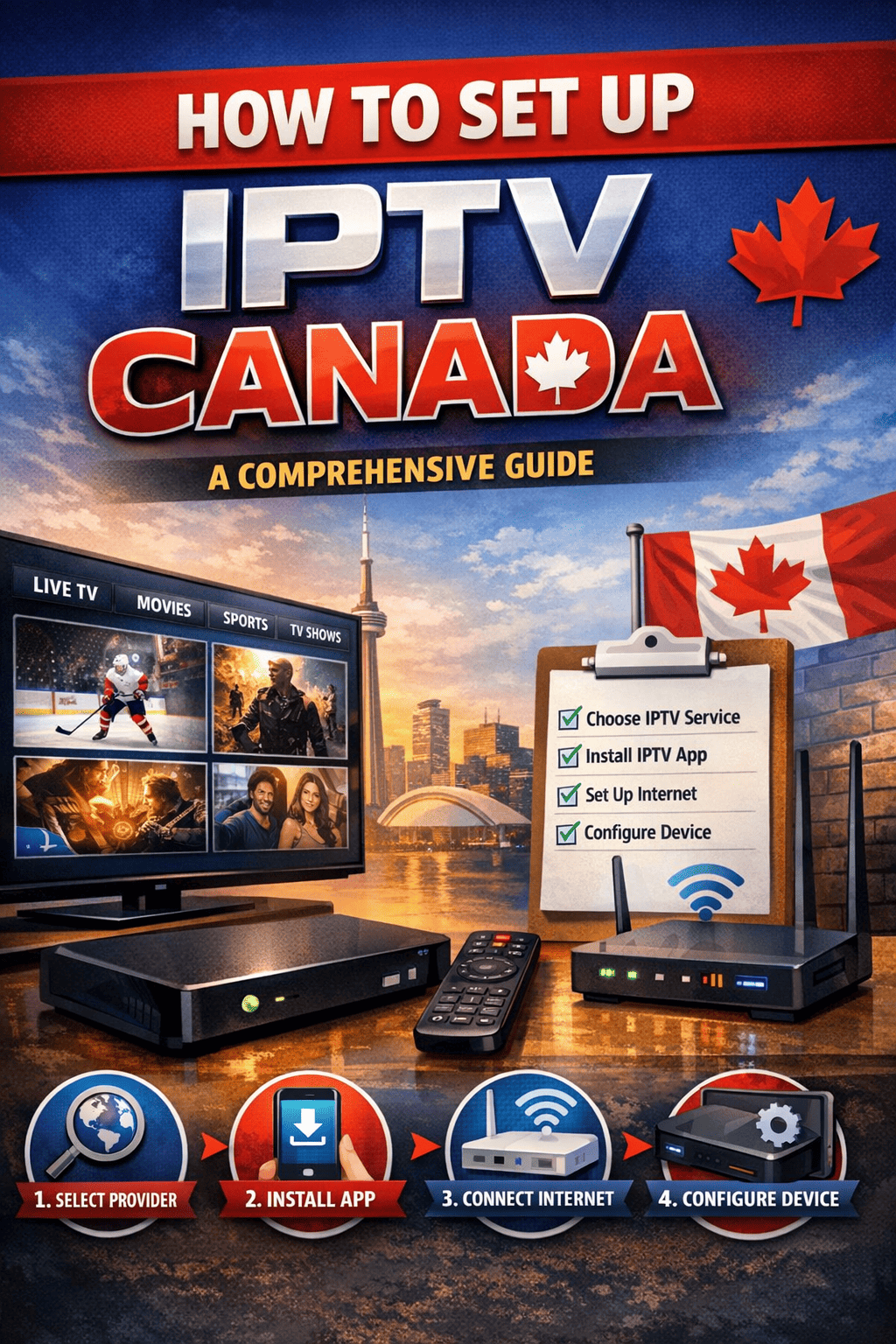
Step-by-step setup
Setup Guides
Easy instructions to set up VaultStream on any device. Choose your device and follow the steps at your own pace.
Android / Android TV
Recommended apps:
TiviMateIPTV Smarters ProIBO Player
Installation Steps
- 1Download the IPTV app from Google Play Store
- 2Open the app and go to Settings or Add Playlist
- 3Select "Xtream Codes API" or "M3U URL"
- 4Enter your credentials (username, password, server URL)
- 5Save and enjoy your channels!
Amazon Fire Stick / Fire TV
Recommended apps:
TiviMateIPTV Smarters ProIBO Player
Installation Steps
- 1Enable "Apps from Unknown Sources" in Settings > My Fire TV
- 2Download "Downloader" app from Amazon App Store
- 3Use Downloader to install your preferred IPTV app
- 4Open the IPTV app and enter your login details
- 5Start streaming your favorite content!
iPhone / iPad / Apple TV
Recommended apps:
IPTV Smarters ProGSE Smart IPTVXtream IPTV
Installation Steps
- 1Download an IPTV app from the App Store
- 2Open the app and tap "Add Playlist" or "Login"
- 3Choose "Xtream Codes Login" option
- 4Enter your username, password, and server URL
- 5Your channels will load automatically!
Smart TV (Samsung, LG, Sony)
Recommended apps:
Smart IPTVIPTV SmartersSS IPTV
Installation Steps
- 1Search for an IPTV app in your TV app store
- 2Install and open the app
- 3Note the MAC address shown on screen (if required)
- 4Enter your playlist URL or Xtream credentials
- 5Enjoy streaming on your big screen!
Windows / Mac
Recommended apps:
VLC Media PlayerIPTV SmartersMyIPTV Player
Installation Steps
- 1Download VLC Media Player or IPTV Smarters
- 2For VLC: Go to Media > Open Network Stream
- 3Paste your M3U playlist URL
- 4For IPTV apps: Enter your Xtream login credentials
- 5Start watching on your computer!
MAG Box / Formuler
Recommended apps:
Built-in Portal
Installation Steps
- 1Go to Settings > Servers > Portals
- 2Enter a name for the portal (e.g., VaultStream)
- 3Enter the portal URL provided by us
- 4Save settings and restart the box
- 5Your channels will load on the main screen!